0
BUILDRCORE
Loading your jobsite
Login
Estimating · Scheduling · Job Management

RUN THE WHOLE job FROM ONE APP

Built for specialty contractors Estimate → Schedule → Clock → Invoice
Inside the app
BUILDRCORE dashboard
/01 — DASHBOARD

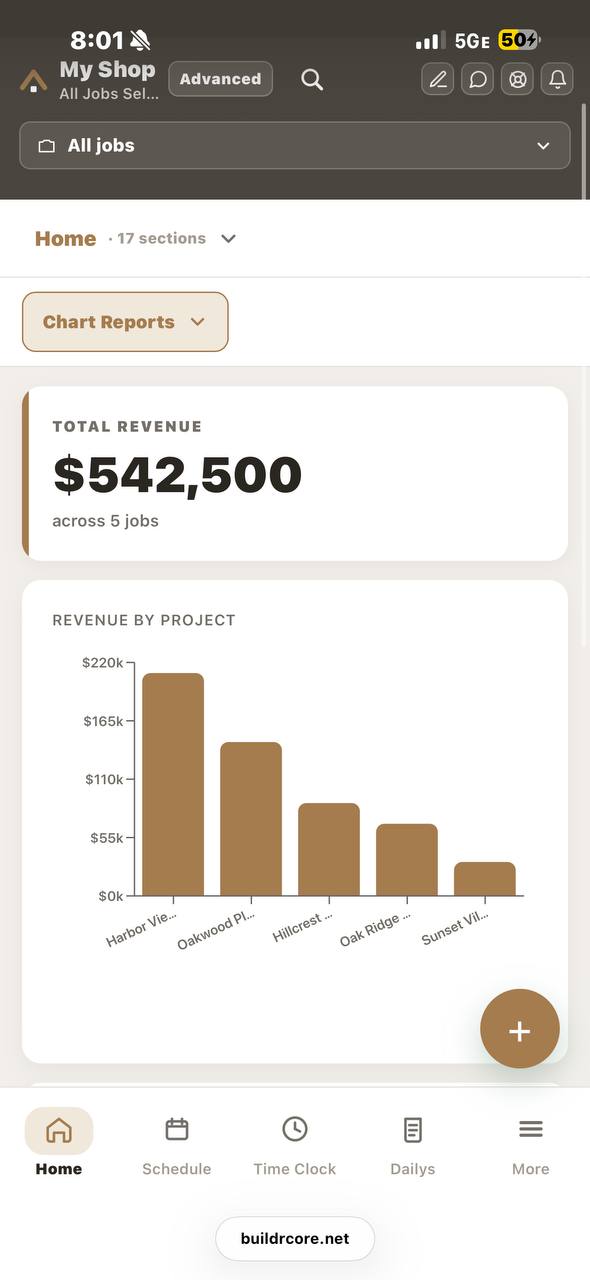
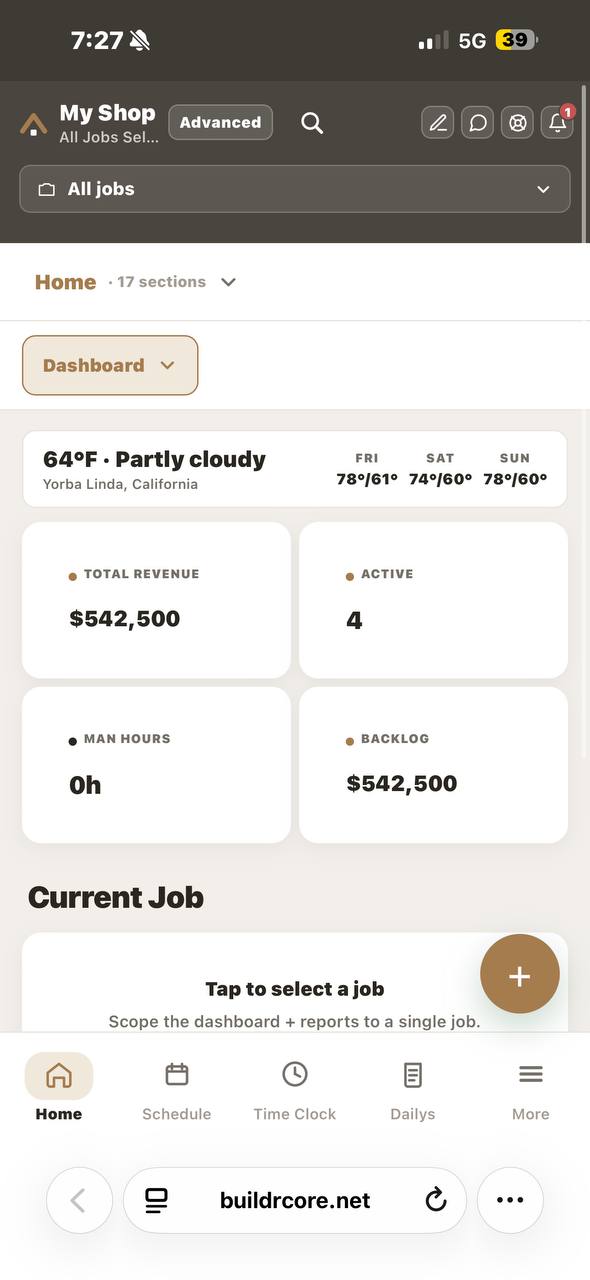
Your whole shop, at a glance

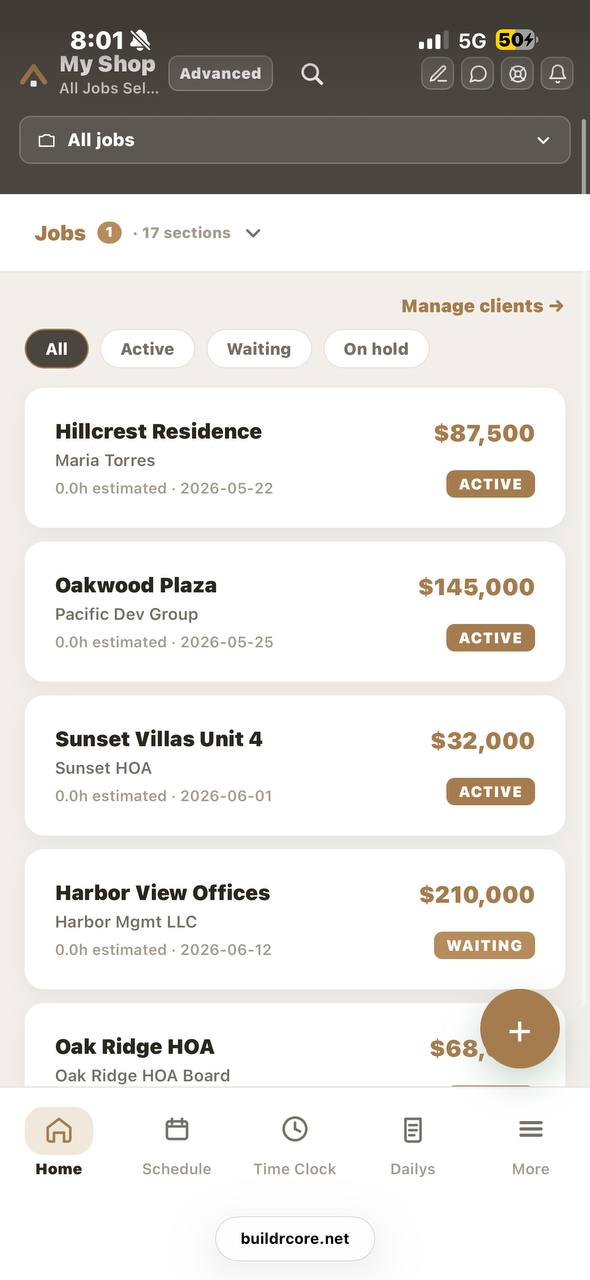
The home dashboard is your command center. Live KPIs — total revenue, active jobs, man-hours, and backlog — update as work happens, with the real weather and a 3-day forecast for each job site. Tap once to scope the entire dashboard (and every report) down to a single job.
Live KPIsPer-site weatherJob scoping
BUILDRCORE schedule
/02 — SCHEDULE

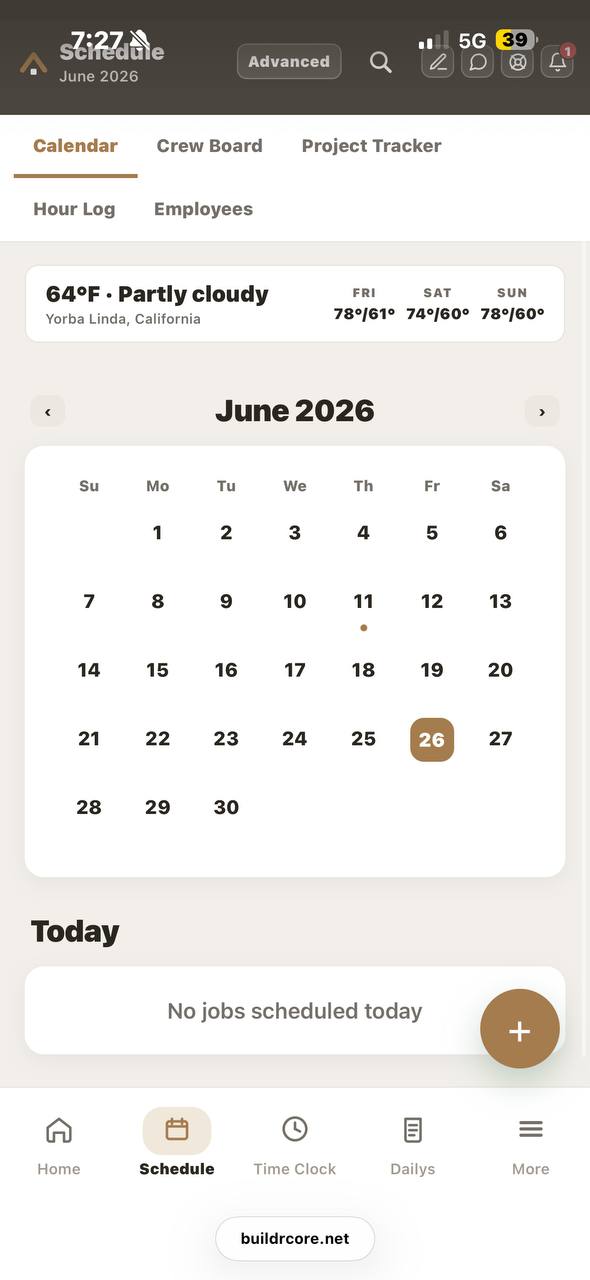
Every crew, every day, one view

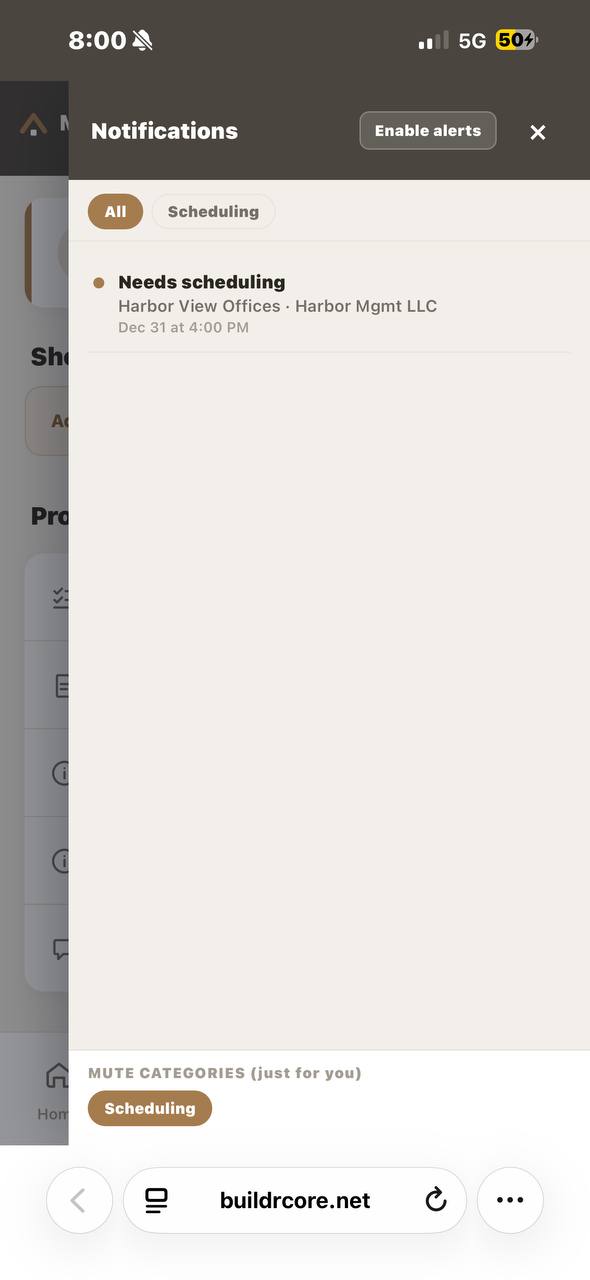
Calendar, Crew Board, Project Tracker, Hour Log and Employees — all in one tab. A clean month view shows what starts when and who's assigned, so nothing slips and no crew double-books.
CalendarCrew boardProject trackerHour log
BUILDRCORE time clock
/03 — TIME CLOCK

GPS time clock the field actually uses

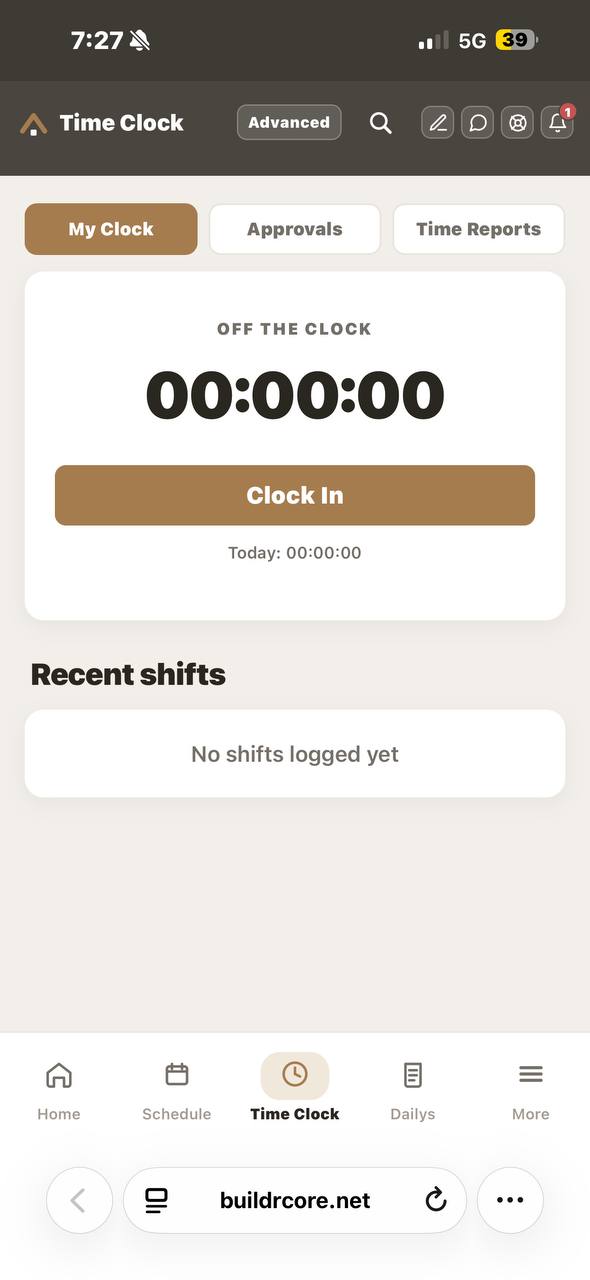
WorkMax-style field clock: crews punch in with a 3-digit PIN, GPS-stamped to the job site and tagged to a labor code. My Clock, Approvals, and Time Reports — leadership reviews and approves every hour before it ever reaches payroll.
3-digit PINGPS verifiedApprovalsTime reports
BUILDRCORE estimate engine
/04 — ESTIMATE

A live estimate engine, not a calculator

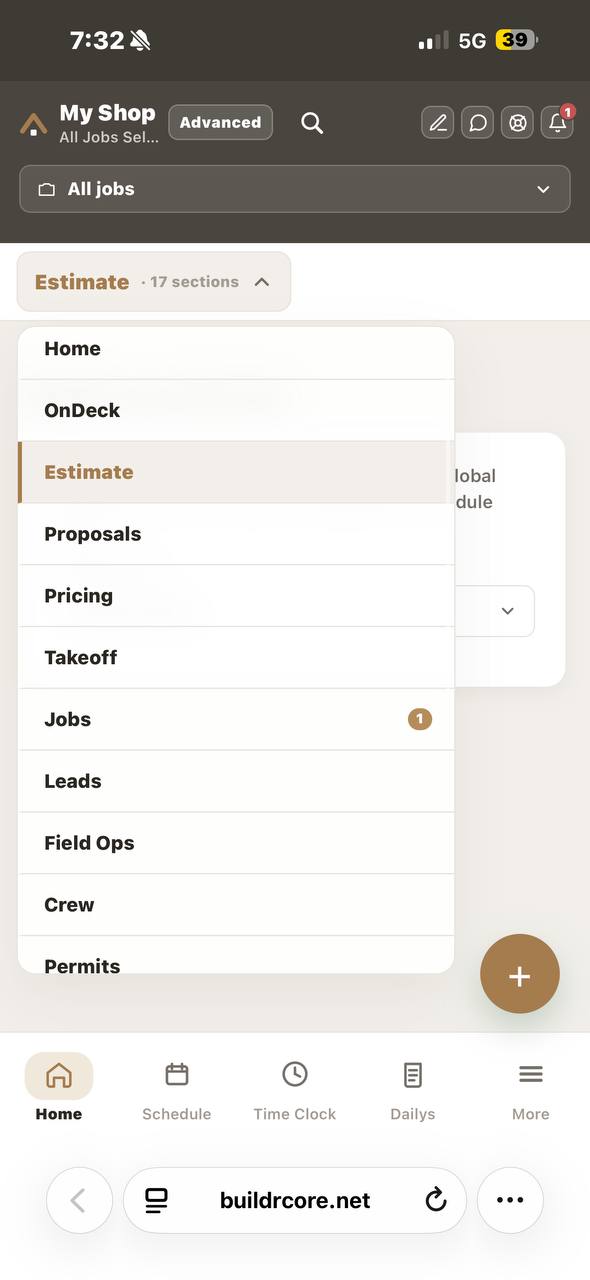
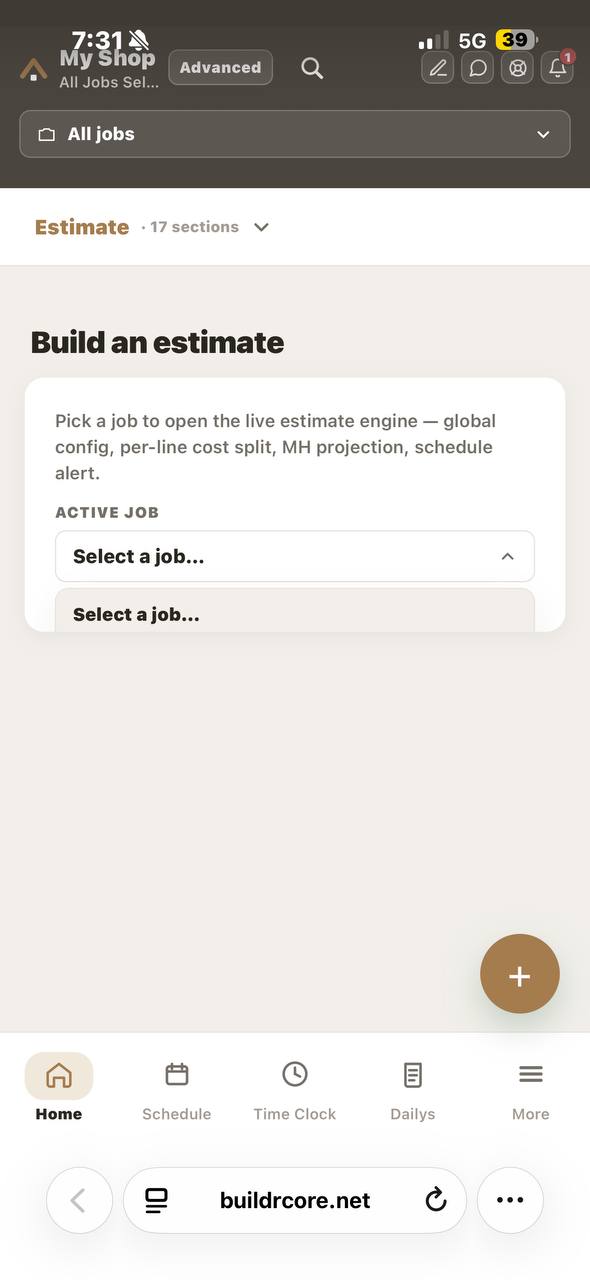
Pick a job and the estimate engine opens — global pricing config, per-line cost split, man-hour projection and schedule alerts. Lock an estimate as the signed agreement with full proposal version history, and handle Change Orders right beside it as a sub-tab, so extra work flows straight into the contract and budget.
Per-line costingMH projectionLocked agreementChange orders
The full platform
05 — Money

Invoicing & Budgeting

Log material expenses by labor code, then invoice on true cost — labor, materials, and approved change orders combined. Budget-vs-actual on every job so margin never leaks.

06 — Control

Roles & Permissions

Champion, Admin, and Employee tiers. Money stays hidden from the field, each person sees only their assigned jobs and features, and the owner can preview the app as any role — Buildertrend-grade control.

07 — Compliance

Permits & Daily Logs

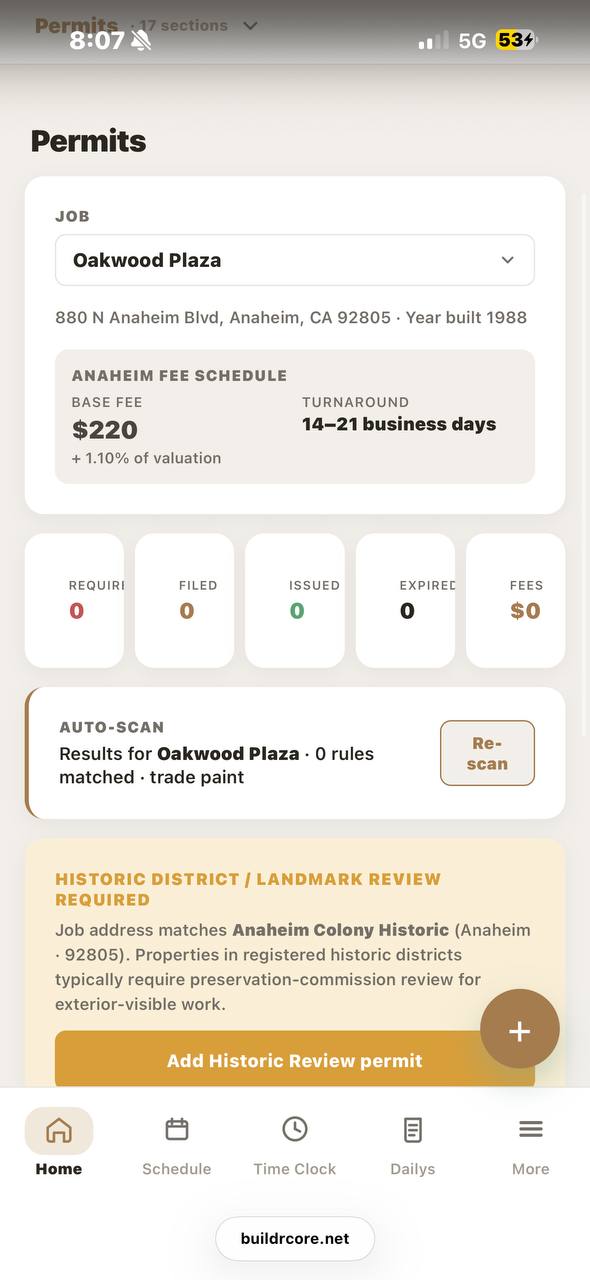
Track permit status per job and capture daily field logs with photos, weather, and crew — all scoped so each employee only sees the sites they're assigned to.

Why BUILDRCORE

One app replaces the clipboard, the spreadsheet, the group text and the punch cards. Estimates, schedules, GPS time, change orders and invoices finally live in the same place — and finally agree with each other. Flat price per shop. No per-seat surprises.

0Core modules
0Role tiers
0Trades supported
0Flat per-shop price
How it works
01

Estimate

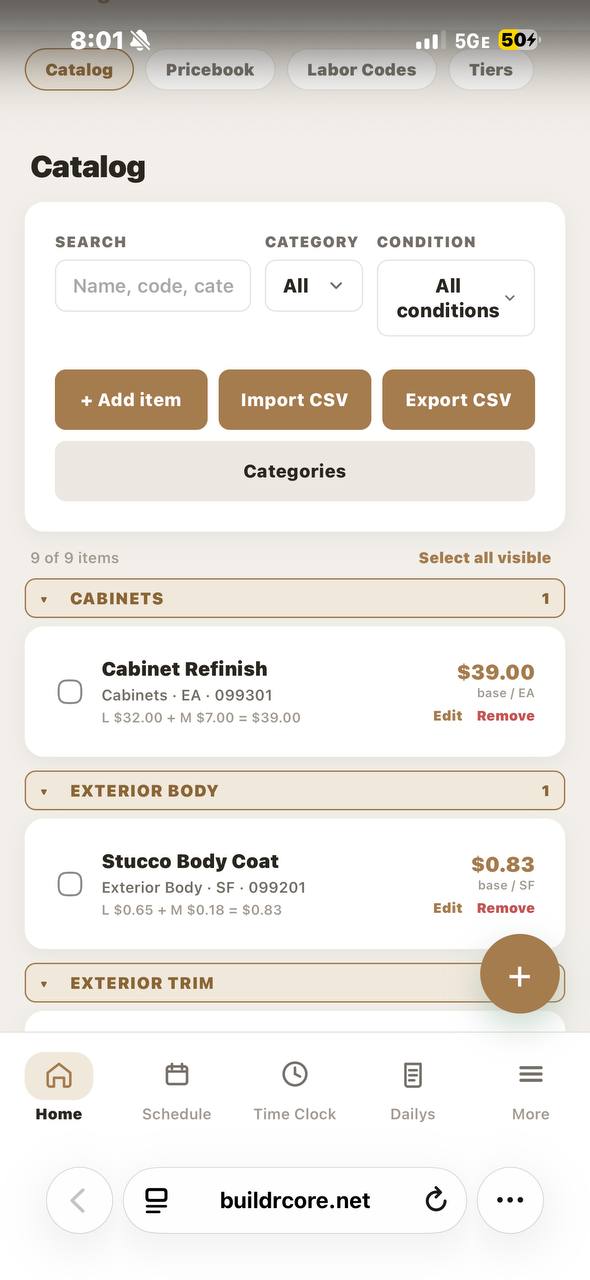
Price the job from your catalog, lock it as the agreement, and send the proposal.

QUOTE
02

Schedule

Drop it on the calendar, assign the crew, and set the start date.

PLAN
03

Clock in

Crews punch in by PIN, GPS-verified on site, tagged to a labor code.

TRACK
04

Change orders

Scope creep gets logged the moment it happens and added to the contract.

ADJUST
05

Invoice

Bill labor + materials + change orders — fully costed, nothing missed.

BILL
06

Get paid

Track invoiced, paid, and balance due on every job in one place.

COLLECT
Entering BUILDRCORE…